Custom thresholds
Revenue below target, critical stock, a slipping delay: define the condition, Axiome watches.
No queries
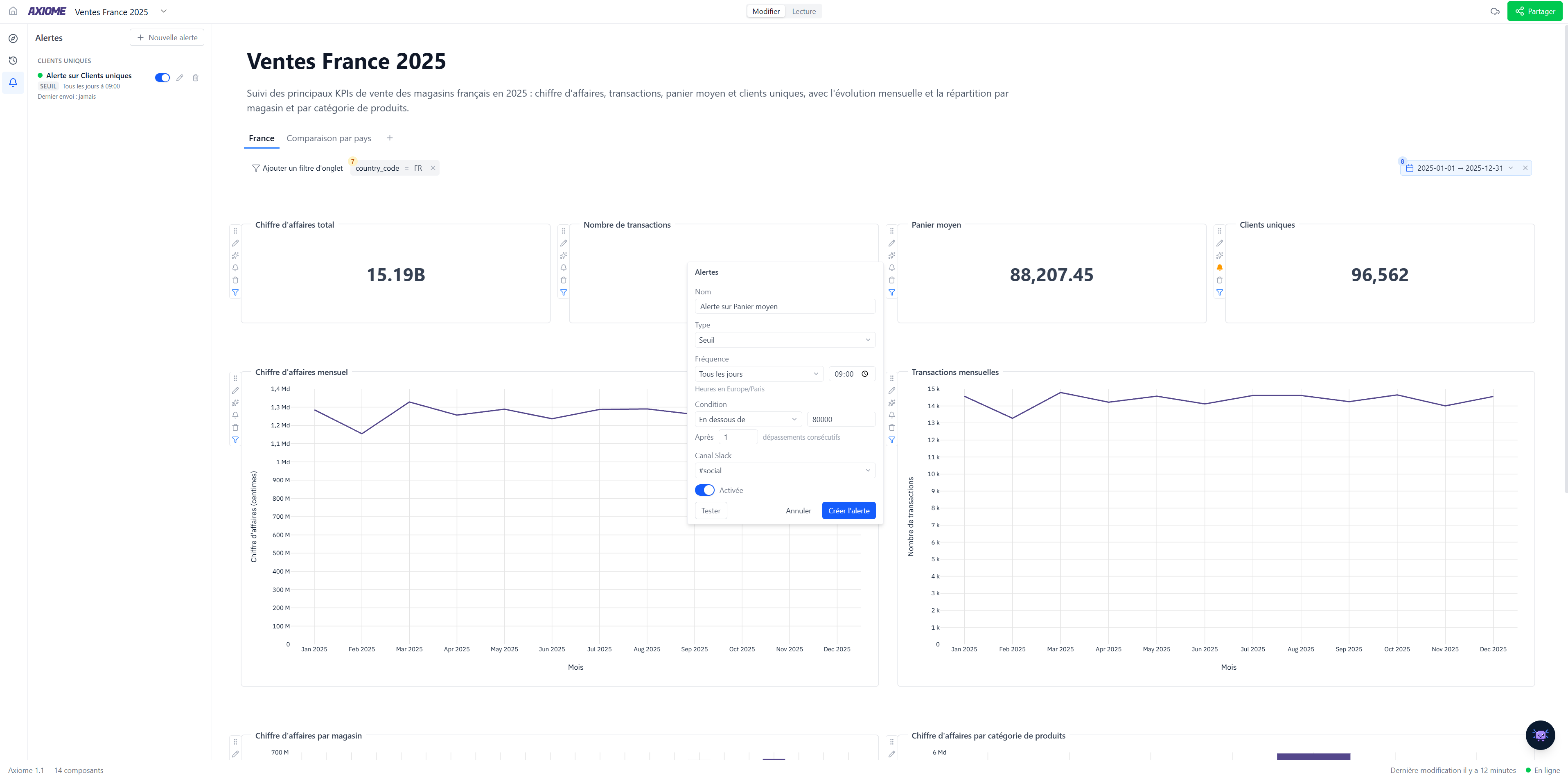
An alert is configured from a widget, in a few clicks. Not a single line of code.
The right place
Notifications sent to the right person, at the right time — without flooding the team.
Tied to your metrics
Alerts rely on the same governed definitions as your charts — no false alarms from diverging calculations.
Monitor
Eyes on your metrics, 24/7
You can't check every dashboard every day. Alerts do it for you, and only interrupt when it's useful.
- Threshold conditions that are simple to express
- Continuous, server-side monitoring
- Alerts attached to your existing widgets
- History of triggers
React
From alert to explanation
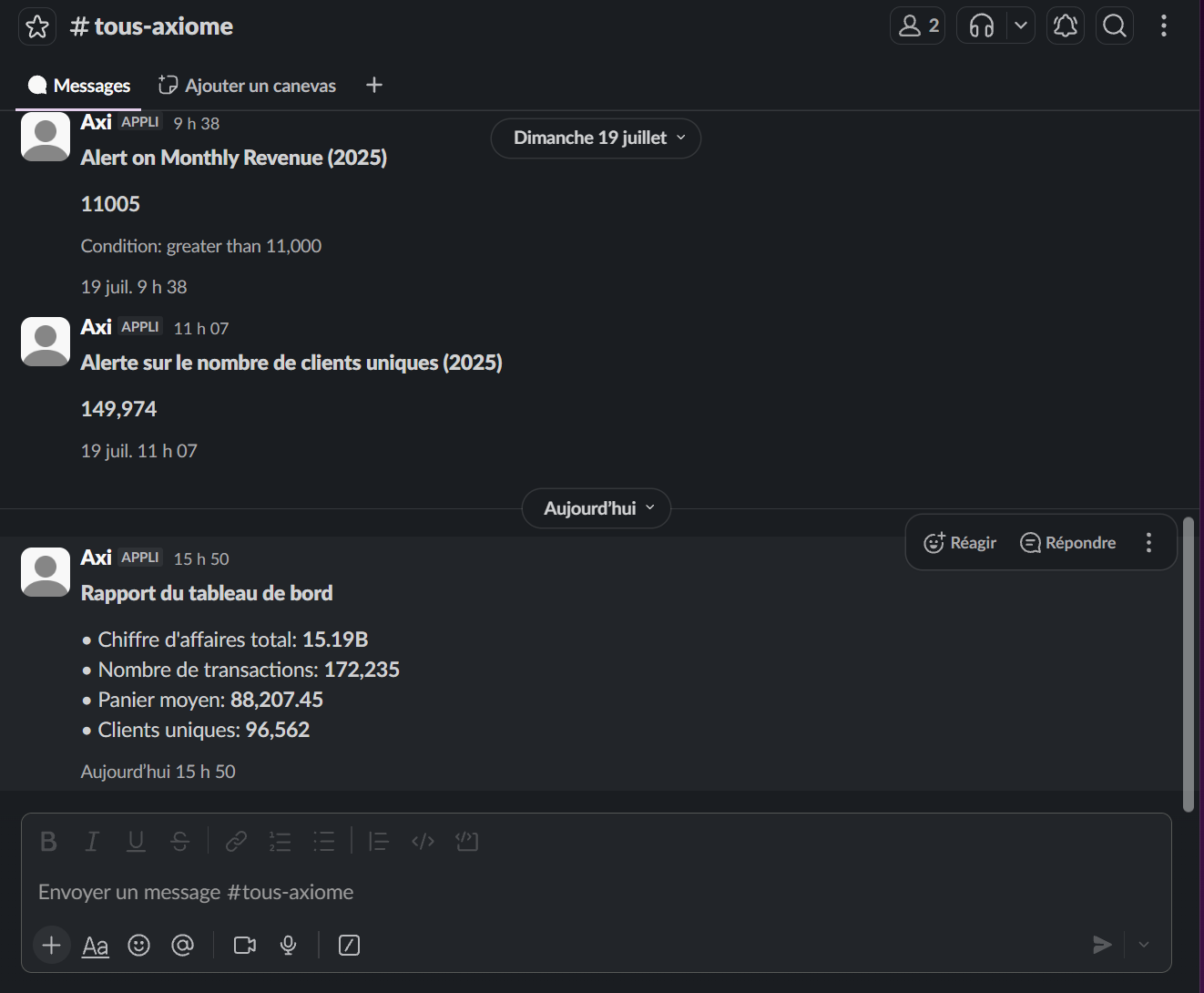
An alert is only useful if you understand the cause. Open the dashboard and ask Axi to explain the drop.
- Direct link to the widget concerned
- "Explain this data" to dig into the cause
- Share the analysis with the whole team
- Adjust the threshold in one click
The product
Explore the rest of Axiome
Every piece works with the others — together they make your teams autonomous.